
Sponsorship deliverable tracking
Every promised benefit, with proof it ran.
Deliverables come straight from the signed agreement. Properties attach photos, links, and clips as each benefit runs, overdue items get flagged, and missed placements carry their makegood on the same row.
The brand demo workspace is read-only and needs no signup.
- Contract says
- Patch on home and away kits, full season
- Due
- Every home match
- Proof
- home-match-12.jpgaway-kit.jpghighlights.mp4
Promised versus delivered, line by line.
One sponsorship, the way both sides see it all season. Filter to what needs attention.
| Deliverable | Due | Proof | Status |
|---|---|---|---|
| Front-of-shirt patchHome and away kits, full season | Season | 12 photos1 clip | Delivered |
| LED board rotationsEvery home match | Season | 2 clipsVideo ROI report | Delivered |
| Social posts4 per month, sponsor tagged | Monthly | 14 links | In progress |
| Hospitality tableEach home match | Match days | Guest sheets | Delivered |
| Halftime PA readEvery home match | Match days | Script2 matches missed | Overdue |
| Makegood: 2 extra PA readsFor the 2 missed halftime reads | Final 2 matches | Scheduled | Makegood |
What counts as proof.
Proof sits on the deliverable it proves, not in a recap folder. The stronger it is, the easier the renewal.
Signage, kits, booths
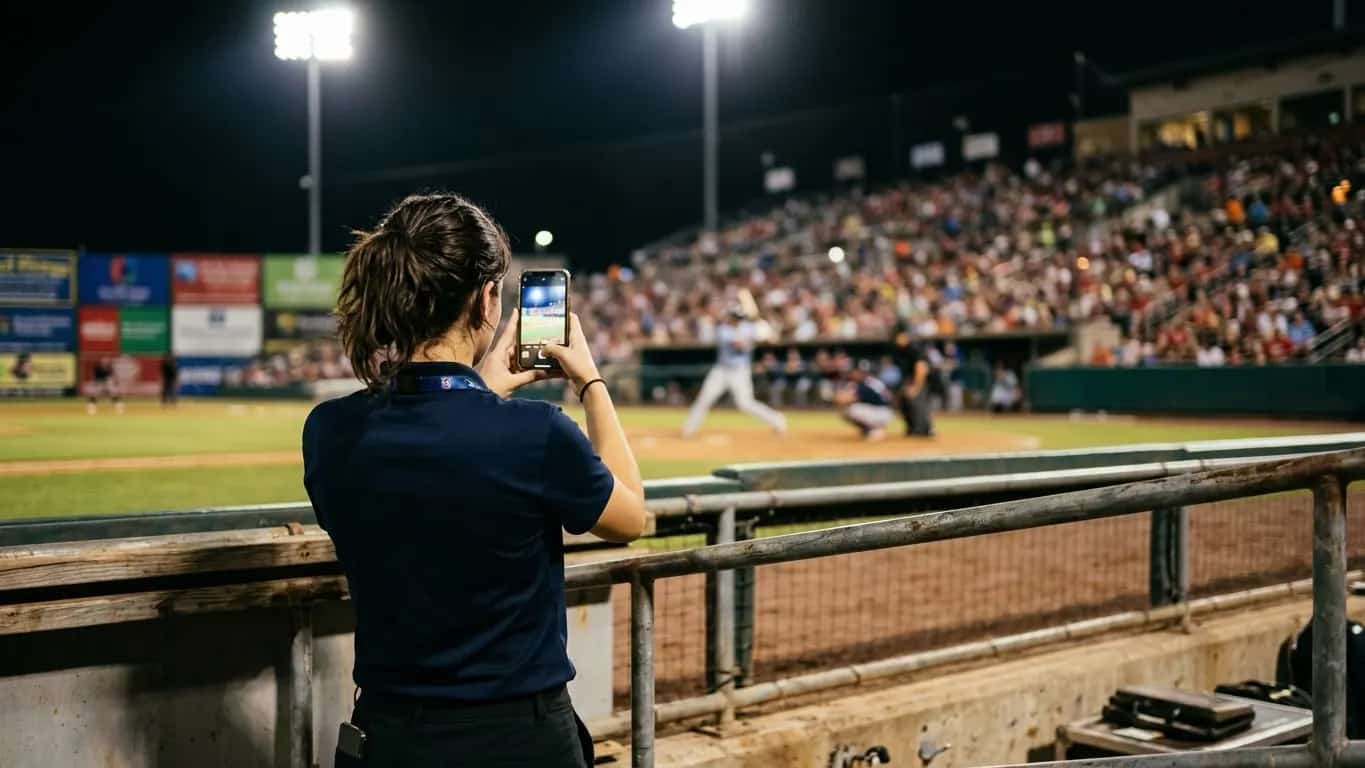
- The banner behind home plate
- The patch on the kit
- The booth as built
Social and digital
- The post that tagged the sponsor
- The livestream overlay
- The newsletter placement
Records
- Hospitality guest lists
- PA scripts and logs
- Print proofs
Measured exposure
- Video ROI detects the logo
- Estimates media value
- Attaches the report here
What to act on each week.
A few minutes on Monday keeps small gaps from becoming the story at renewal.
- A deliverable is overdueFulfill it and tell the sponsor before they notice.
- A deliverable has no proofAttach the photo, clip, or link now, while it still exists.
- Delivered impressions are lowAdd a makegood placement or adjust the schedule.
- Contract ends within six monthsStart the renewal with the full promised-versus-delivered record.
- A makegood is still pendingClose it out before the original miss becomes the story.
How sponsors see it.
Two ways in, depending on how many sponsorships the brand manages.
One sponsorship, one link
- The property shares a link
- The sponsor sees deliverables, status, and proof
- No SponsorFlo login needed
Every sponsorship, one view
- All properties the brand has bought
- Completion, impressions, and media value side by side
- Renewals coming up in the next 180 days
Watch Brand HQ in action
See how a brand team scores properties, tracks rights, and stays on top of activations and renewals from one HQ view.
A booth day got rained out. Write the shortfall and the replacement date on the same row, so the sponsor sees it in context instead of discovering it at renewal.
Makegoods live on the deliverable.
A social post went out without the sponsor tag? Note it and schedule the corrected post. A placement missed? Add the extra placement or a renewal credit. No separate makegood spreadsheet drifting out of sync.
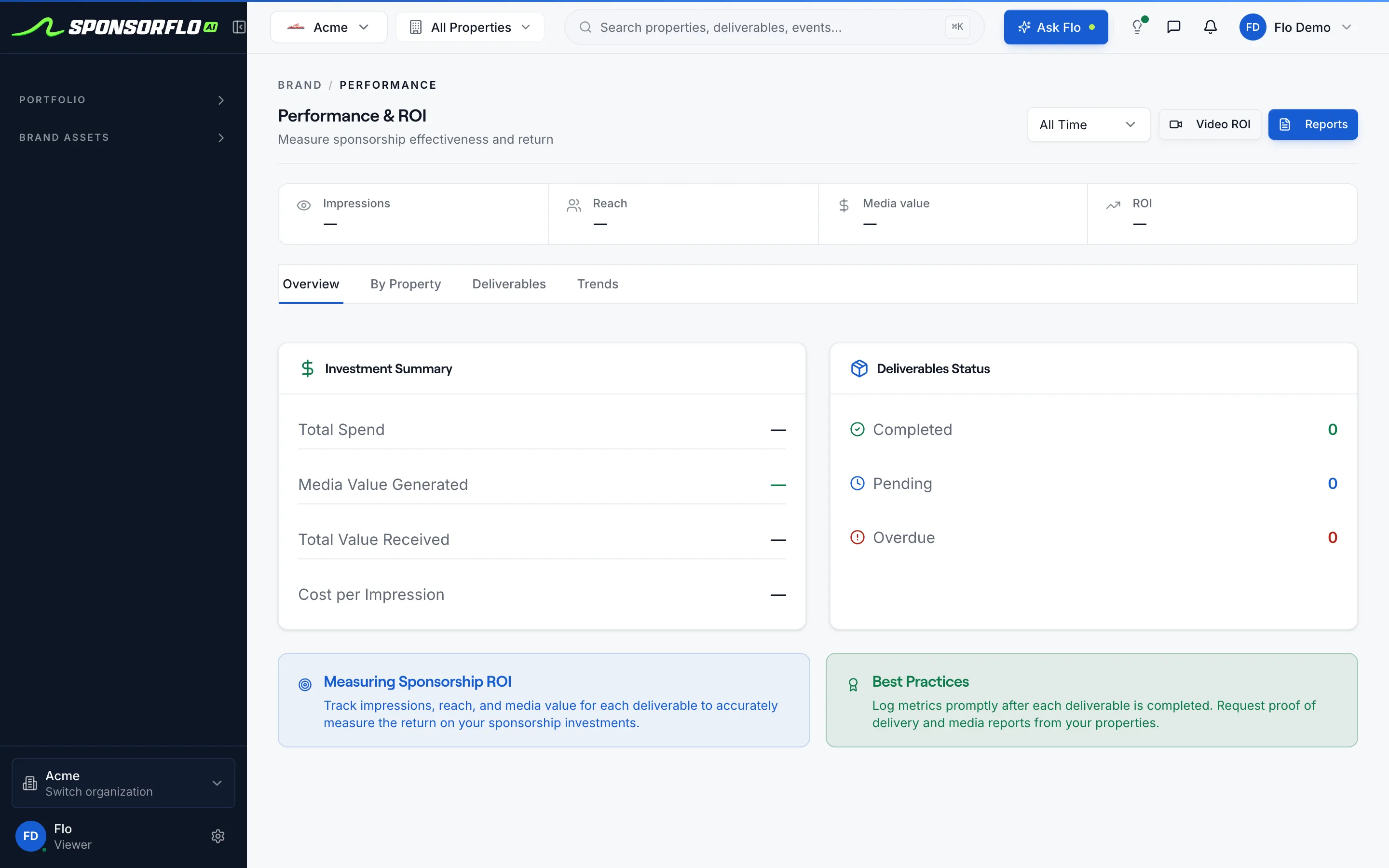
Use the recap report templateDeliverable completion in Brand HQ.
Screen from Acme, our read-only brand demo workspace.
Questions
Preparing a recap? Use the recap report template.
What is sponsorship deliverable tracking software?
Sponsorship deliverable tracking software records every benefit a sponsorship contract promises, tracks its status and due date, stores proof of performance such as photos and video clips, and flags items that are overdue. SponsorFlo does all of this alongside your deals, agreements, and analytics so fulfillment is part of your workflow rather than a separate spreadsheet.
How do deliverables get in?
Upload a PDF or Word contract and AI extracts the terms and deliverables into your agreement editor. Each benefit becomes a deliverable you can assign a due date, priority, and owner, so you do not retype the contract line by line. You can also add or edit deliverables by hand.
How do sponsors see their deliverables and proof?
Sponsors can view their deliverables and attached proof through the Partner Portal, a shared link you send them, with no SponsorFlo login. Brands that manage several sponsorships see every property, status, and proof in Brand HQ.
What if a deliverable was not fulfilled?
Mark it as missed and write the shortfall and makegood on the same deliverable row, for example an extra social post, a make-up booth day, or a credit on renewal. Keeping the makegood on the same record means the sponsor sees it in context, and you avoid a separate spreadsheet that falls out of sync.
Can I attach video proof?
Yes. You can attach a photo, a link, a file, or a video clip to any deliverable. For deeper analysis, Video ROI detects sponsor logos in YouTube, Instagram, TikTok, or X URLs and uploaded files, then estimates media value from the exposure it finds.
Does SponsorFlo replace a sponsorship measurement firm?
SponsorFlo covers the fulfillment proof and media value you need to sell, deliver, and renew sponsorships. When a sponsor requires audited broadcast ratings or market-wide benchmarks, measurement firms such as Nielsen Sports or Relo Metrics provide those.
Sponsorship deliverable tracking
The process of recording every benefit a sponsorship contract promises, assigning each one a due date and owner, attaching proof of performance when it runs, and tracking status so you know what is completed, in progress, overdue, or missed before the sponsor asks.
Read the full sponsorship deliverable tracking guide
Sponsorship deliverable tracking: how to manage proof of performance from contract to renewal
Sponsorship deliverable tracking is how teams, events, and brands make sure every benefit a contract promises actually gets delivered and documented. SponsorFlo is sponsorship deliverable tracking software that imports deliverables from a signed agreement, lets you attach proof of performance as each benefit runs, flags overdue items, and gives you a complete promised-versus-delivered record for renewal conversations, so fulfillment stops being a last-minute scramble and becomes part of your everyday workflow.
What is sponsorship deliverable tracking?
Sponsorship deliverable tracking turns a list of promised benefits into an accountable record. Every line in the contract, whether it is a jersey patch, a booth at your event, a podcast read, or a block of hospitality tickets, becomes a deliverable with a status, a due date, a priority, and a place to attach proof. When the placement runs, you attach a photo of the signage, a link to the social post, a clip of the broadcast mention, or a file such as a guest list. When something misses, you write the shortfall and the makegood on the same row. The result is a complete promised-versus-delivered record that both sides can review at any time.
How do you track sponsorship deliverables in SponsorFlo?
SponsorFlo builds deliverable tracking into the same workspace where you manage deals, agreements, and analytics. Here is the workflow from contract to renewal:
- Upload the signed contract as a PDF or Word file. AI extracts the terms and deliverables into your agreement editor, so you do not retype the contract line by line.
- Each extracted benefit becomes a deliverable with a due date, priority, and owner. You can also add deliverables manually or edit the ones AI found.
- As each benefit runs, attach proof of performance: a photo, a link, a file, or a video clip. Each attachment stays on the deliverable record.
- SponsorFlo flags deliverables that pass their due date, so you catch overdue items before the sponsor does.
- If a placement missed, write the shortfall and the makegood on the same deliverable row, for example an extra social post, a make-up booth day, or a credit on renewal.
- Walk into the renewal meeting with a complete record of every deliverable that ran, the proof attached to each one, and any makegoods that were fulfilled.
What counts as proof of performance for a sponsorship?
Proof of performance is any documentation that shows a contracted benefit was delivered. The stronger the proof, the more confident both sides are at renewal. SponsorFlo supports three types of proof attachments on each deliverable: photos, files, and video clips. A photo of a branded banner behind home plate, a screenshot of the sponsor logo on your livestream overlay, a screenshot of the Instagram post that tagged the sponsor, a PDF of the hospitality guest list — each one goes directly on the deliverable it proves.
For video content, you can go further. Video ROI analyzes a YouTube, Instagram, TikTok, or X URL or an uploaded file, detects sponsor logos in the footage, and estimates media value from the exposure it finds. That media value number adds a dollar figure next to the photo or clip, which makes the renewal conversation more concrete than a guessed CPM.
How do you handle makegoods when a deliverable misses?
When a placement misses, write the shortfall and makegood on the same deliverable row. For example, if a booth day was rained out, note the cancellation and add the replacement date or credit. If a social post went out without the sponsor tag, note the error and schedule a corrected post. Keeping the makegood on the same record means the sponsor sees it in context through the partner portal, and you avoid a separate makegood spreadsheet that falls out of sync with the rest of the fulfillment record.
How do sponsors see their deliverables?
Sponsors can view their deliverables and proof through the partner portal, a shared link you send them. They see each benefit, its status, and the photo, clip, or file you attached, without needing a SponsorFlo login. This means the sponsor does not have to email you asking for a fulfillment update or dig through Slack messages looking for photos. The same record you manage internally is the one they review externally.
Sponsorship deliverable tracking for brands that buy sponsorships
Brands that sponsor several teams or events need to see deliverable completion across their entire portfolio, not just one property at a time. In SponsorFlo’s Brand HQ, the Performance view shows impressions, reach, media value, ROI, total spend, cost per impression, and deliverable completion across every property. A partnership manager can quickly see which properties delivered what they promised, which are behind, and where next year’s budget should go. The deliverables each property owes are listed alongside renewal timing and annual value, so nothing falls through the cracks.
Using deliverable records in renewal conversations
Renewals go better when both sides look at the same record. Bring the list of every deliverable that ran, the proof attached to each one, the impressions each generated, any makegoods that were fulfilled, and the media value measured from video. Starting that conversation a few months before the contract ends gives the sponsor time to budget and gives you time to propose an upgrade backed by evidence rather than memory. A minor-league team, for example, can show a beer sponsor photos of the outfield sign from every home game, the social posts that tagged them, and the estimated media value from a highlight reel analyzed through Video ROI.
Signals worth acting on each week
- An overdue deliverable: fulfill it and tell the sponsor before they notice.
- A deliverable with no proof attached: add the photo, clip, or link now so it does not become a gap at renewal.
- A sponsor with low delivered impressions: consider adding a make-good placement or adjusting the schedule.
- A contract ending within six months: start the renewal conversation with the full delivered-versus-promised record.
- A makegood still pending: close it out before the original shortfall becomes the story.
- Video ROI analysis — detect sponsor logos in video and estimate media value
- AI agreements — upload a contract and extract deliverables automatically
- Brand portal — give sponsors a shared link to view their deliverables and proof
- Recap report template — a sponsorship recap template for renewal conversations
Related features
Brand portal
Give sponsors a shared link to view their deliverables and proof
Learn moreFeatureVideo ROI analysis
Detect sponsor logos in video and estimate media value
Learn moreFeatureAI agreements
Upload a contract and extract deliverables automatically
Learn moreResourceRecap template
A sponsorship recap report template for renewal conversations
Learn moreKnow what ran before anyone has to ask.
Open the brand demo workspace and see deliverables, proof, and makegoods on real sponsorships.