Free sponsorship mockup generator: how to create sponsor logo mockups without Photoshop
A free sponsorship mockup generator lets you place a sponsor’s logo on your own asset photos without opening Photoshop or hiring a designer. SponsorFlo includes unlimited mockup generation in every plan, so teams, events, and nonprofits that sell sponsorships can build a visual of a jersey patch, a scoreboard placement, or a booth backdrop and drop it straight into a branded deck that tracks when the sponsor views it.
Definition
Free sponsorship mockup generator
A tool that places a sponsor’s logo on a photo of your venue, kit, or event space at no extra per-image cost. In SponsorFlo, the mockup generator is included in every workspace plan and lives inside Deck Studio, so the finished visual goes directly into the proposal you send to a sponsor.
What is a free sponsorship mockup generator?
A sponsorship mockup generator creates a realistic preview of how a sponsor’s logo will look on your assets, whether that is a jersey, an LED board, a venue entrance banner, or a podcast thumbnail. The word “free” means you do not pay per image or per export. In SponsorFlo, mockups are part of the platform: once you have a plan (starting at $299 per month), you can generate as many mockups as you need without additional charges. There is no standalone anonymous download tool, because a mockup only earns money when it sits inside a pitch.
How do you create a sponsorship mockup without Photoshop?
Upload your own photo of the asset, add the sponsor’s logo, and SponsorFlo generates the placement for you. The entire process takes minutes instead of the hours you might spend in Photoshop or the days you might wait for a design contractor. For example, a minor-league hockey team can photograph its home jersey, upload the image, and show a local hospital exactly where its logo would appear on the shoulder patch, all before the first sales meeting.
- Upload a photo of the asset where the logo will appear, such as a jersey, a scoreboard, or a booth backdrop.
- Add the sponsor’s logo file to the mockup generator.
- SponsorFlo places the logo on the photo and renders the preview.
- Drop the finished mockup into a Deck Studio proposal alongside the package details and the asking price.
- Send the deck as a tracked link so you know when the sponsor opens it.
Why does the free sponsorship mockup generator live inside Deck Studio?
A mockup that floats as a PNG in a downloads folder never reaches the sponsor at the right moment. When the mockup lives inside Deck Studio, it becomes a slide in the same branded proposal that includes your inventory, your package tiers, and your price. The sponsor sees the visual in context, and when they open the deck, SponsorFlo logs the view against the deal so you know exactly when to follow up. A booth-package mockup next to a $15,000 asking price is more persuasive than a separate attachment the sponsor has to match to an email.
What photos work best for sponsorship mockups?
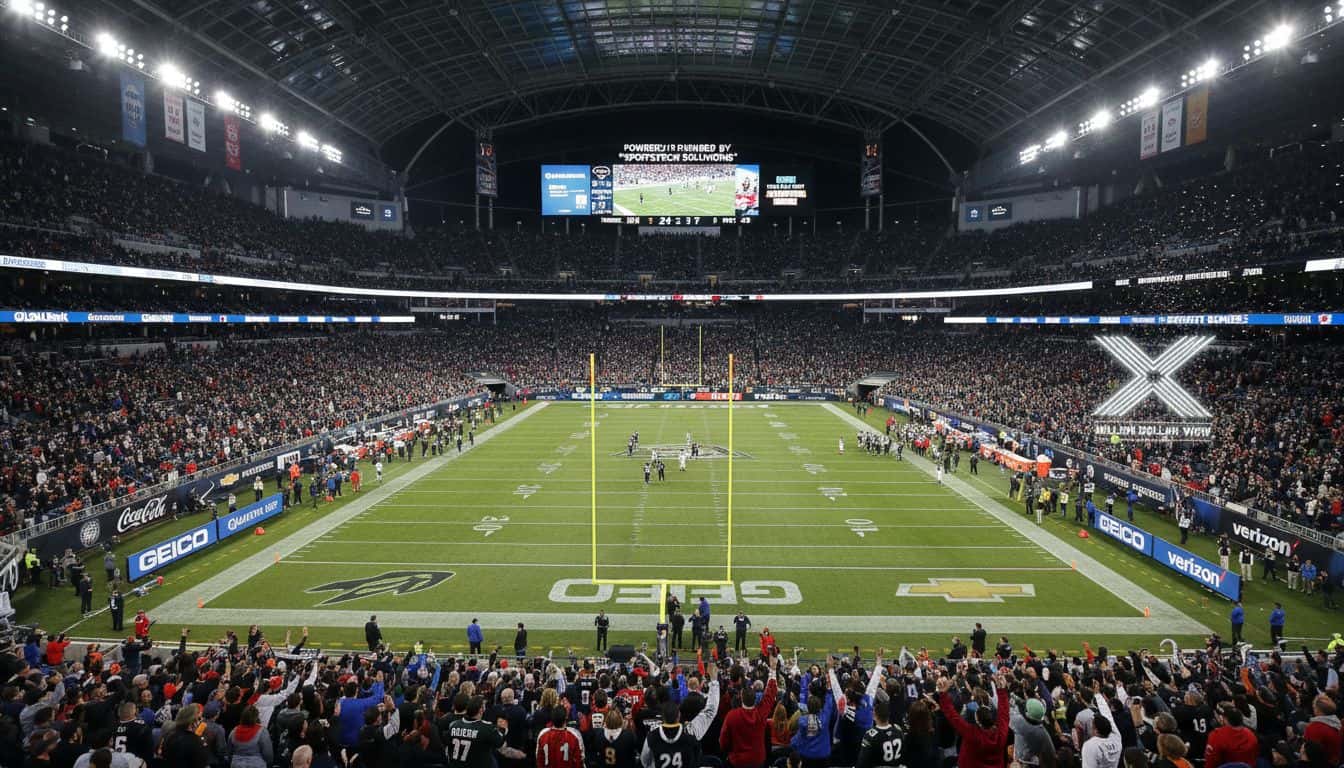
Your own photos always outperform stock templates because sponsors want to see their logo on your actual assets, not a generic arena. High-resolution shots of the specific surface, like a center-court logo, a dasher board, a stage banner, or a broadcast overlay, give the most realistic result. If you are pitching a jersey patch, photograph the jersey flat or on a mannequin with even lighting. For a booth, capture the full backdrop with nothing blocking the area where the logo would go.
How do you use mockups to close more sponsorship deals?
Mockups move a sponsorship conversation from abstract to concrete. Instead of telling a prospect they will get “premium logo placement,” you show them their own logo on your scoreboard. That visual becomes a reference point for the rest of the negotiation. Here are the moments where a mockup makes the biggest difference:
- First outreach: include a mockup in the initial deck so the sponsor pictures the partnership before they even reply.
- Package comparison: show how logo size and placement differ between a gold and platinum tier.
- Internal sell: the marketing director at the sponsor’s company can forward the deck, mockup included, to their VP for budget approval.
- Renewal pitch: update the mockup with next season’s asset photo to show continuity and any new placement options.
Free sponsorship mockup generator vs. Photoshop and design tools
Photoshop and Canva give you complete creative control, but they require design skill, separate licensing, and manual export into whatever tool you use to send proposals. A sponsorship-specific mockup generator trades that flexibility for speed and workflow integration. You upload a photo, add a logo, and the result goes directly into the pitch deck you are building for that sponsor. For a partnership team that needs to mock up a dozen prospects before a sales blitz, that difference is the one between sending proposals this week and sending them next month.
Is the sponsorship mockup generator free?
No. SponsorFlo is paid software, and mockup generation is included in every plan from $299 a month. Before you subscribe, SponsorFlo’s demo account opens with sample sponsors and deals so you can see how logo placement works on example asset photos before you commit to a plan. The demo does not let you upload your own images or export results, but it shows the full workflow from photo to mockup to deck slide so you know exactly what you are getting.
Pricing and what is included
SponsorFlo plans start at $299 per month. Mockup generation is included in every plan with no per-image fee. The mockup generator is part of the broader platform, which also includes a CRM for sponsors and prospects, a deal pipeline, Deck Studio for branded proposals, agreement management, deliverable tracking, and analytics. Enterprise plans with white-label workspaces start at $2,700 per month on a 12-month minimum and include unlimited seats, unlimited partners, and a dedicated success manager.
- Sponsorship mockup generator — step-by-step guide to placing logos on jerseys, boards, and booths
- AI Mockups in Deck Studio — the full mockup feature and how it fits into proposals
- AI deck builder — build branded sponsorship decks and see who views them