
See it work: video media value
How SponsorFlo values sponsor exposure in video.
SponsorFlo Video ROI finds each sponsor in a clip, measures how long it was on screen and how strong the placement was, and estimates media value from the clip's views and a CPM you control. Below is a fictional hockey highlight, the result it returns, and the inputs behind the number.
Estimates from the footage you submit, not audited broadcast ratings.
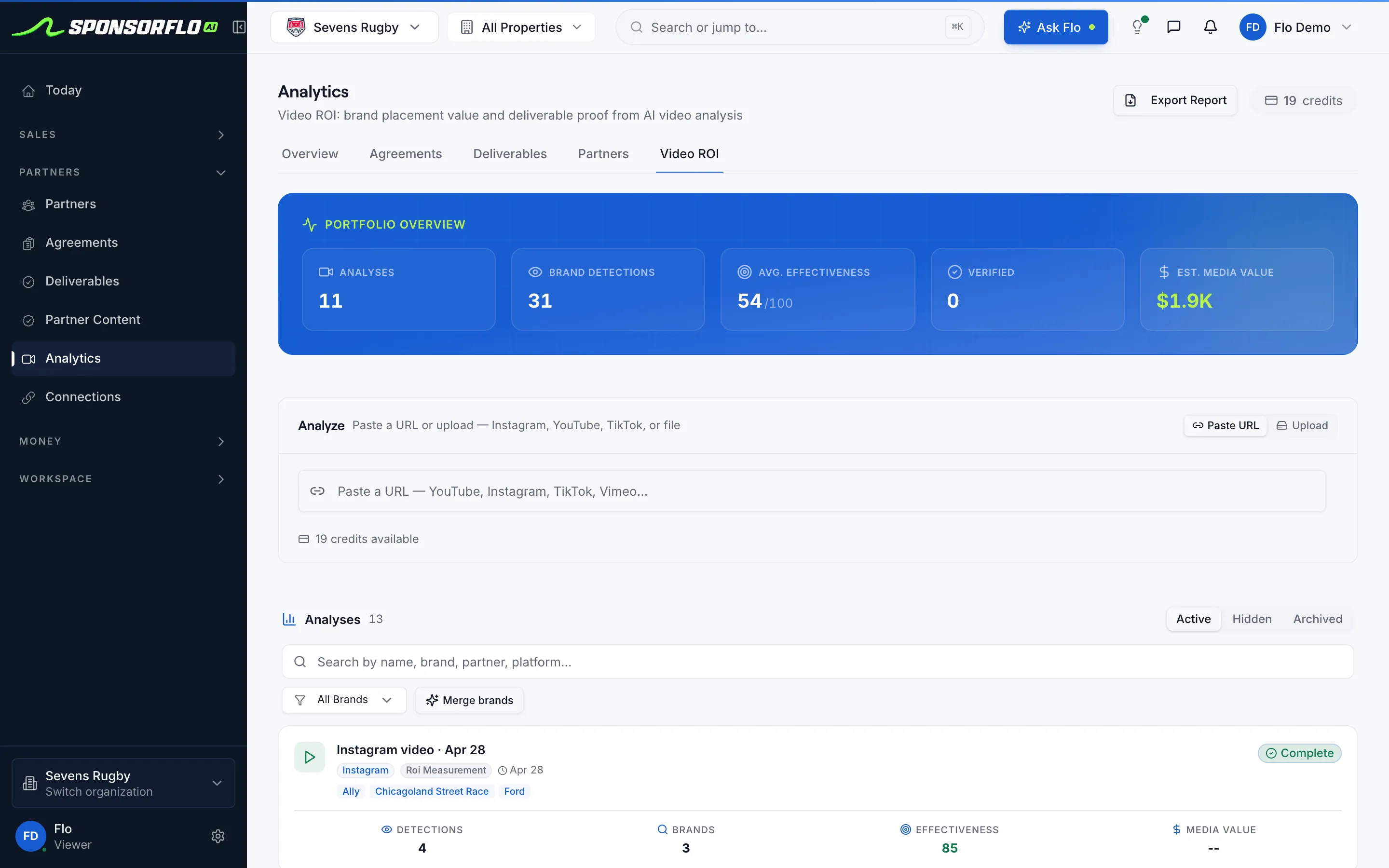
Screens are from Sevens Rugby, our read-only demo workspace.
A sample clip, and the value it returns.
A 90-second hockey highlight on YouTube with 48,000 views and three sponsors in frame.
- Analysis type
- ROI measurement
- Brands to look for
- Northgate, Copperline, Bayview
- Copperline Coffee$816Center-ice logoOn screen 63sShare 70%Score 81
- Northgate Credit Union$472Dasher boardOn screen 41sShare 46%Score 72
- Bayview Auto Group$167Jersey shoulder patchOn screen 18sShare 20%Score 58
Labels match the Video ROI result screen: Est. media value with the views and CPM behind it, Effectiveness, Combined on-screen, and a scorecard per brand with Value, On screen, Share, and Score. The clip, the sponsors, and the numbers are fictional.
The formula, in plain terms.
Est. media value = views ÷ 1,000 × CPM × the sponsor’s share of the clip, adjusted for placement quality. Without a view count, SponsorFlo uses quality-adjusted seconds on screen at a per-second rate.
- 1ViewsPulled in for YouTube links, or entered by you as post metrics for other clips.
- 2CPMThe cost per thousand views for that platform, from your workspace settings. Change it to match your market.
- 3Share of the clipHow much of the runtime the sponsor was on screen. Overlapping appearances of one brand count once.
- 4Placement qualityLogo size, legibility, position, viewer attention, and duration. Frames shared with other brands count for less.
Valuation audit: Northgate Credit Union
- Time on screen: 41 seconds of 90
- Placement quality: 72
- Share of voice: 46%
- Rate: $21 CPM on 48,000 views
- Value: $472
Every analysis carries this audit, so a sponsor can see how each number was built.
Play the example analysis.
Click a sponsor to see its detection on the frame, the timeline, and its scorecard. The clip and sponsors are fictional; the screen is the one you work from.
Watch video value in Brand HQ
The Brand HQ walkthrough covers Performance and ROI, including a video analysis and its report, about 4:30 in.
What it does well, and where to check it.
Review the detections before a sponsor sees them. These are the places to look.
What it does well
- Every sponsor in the clipLogos on boards, jerseys, and overlays, and spoken brand mentions, each with the seconds it ran.
- Shows its mathThe Valuation audit lists time on screen, placement quality, share of voice, and the rate behind each value.
- Evidence you can playEach detection has a frame and a timeline window you can play back before sharing.
- Proof on the deliverableAttach the result to the deliverable it proves. Brands see it roll into Performance in Brand HQ.
Where to check its work
- An estimate, not ratingsMedia value comes from the clips you submit, not audited broadcast or league-wide measurement.
- Small logos can be missedAuto-detect can miss smaller brands. Type the sponsors you care about under Brands to look for.
- No views, rougher valueUploaded footage without a view count uses a per-second rate. Add views or impressions when you have them.
- Facebook and LinkedInThose links cannot be read directly. Download the video and upload the file instead.
Questions
How does SponsorFlo calculate sponsorship media value from video?
SponsorFlo estimates media value as the clip’s views divided by 1,000, times a CPM, times the share of the clip each sponsor was on screen, adjusted for placement quality. Each sponsor is valued separately and the values are added. Footage with no view count is valued from quality-adjusted seconds on screen at a per-second rate instead.
Where does the CPM come from?
From your workspace’s AI benchmarks in Settings, where you can set a default, social, and display CPM. SponsorFlo starts from a default you can change, and adjusts the social CPM by platform, so a YouTube view and a TikTok view are not priced the same.
Does the effectiveness score change the dollar value?
No. The effectiveness score from 0 to 100 summarizes how strong the placements were across the clip, from Room to improve to Strong. The dollar value comes from views, CPM, share of the clip, and placement quality.
Which videos can I analyze?
Paste a YouTube, Instagram, TikTok, or X link, or a direct link to a video file, or choose a video from your workspace files. For Facebook or LinkedIn videos, download the file and upload it. Clips can run up to four hours, and analyses use credits included with your plan.
Put a number on the footage.
Open a sample analysis in the demo workspace. No email needed.