How do you use the sponsorship budget tracker?
Add your sponsors, enter budgeted and actual amounts, update each deal’s status, and export to CSV when you need to share the numbers with your board or finance team. The tracker is free and needs no login.
Sponsorship Budget Tracker
Track sponsors, budgets, and actual revenue in real-time
Sponsorship Line Items
| Category | Sponsor/Item | Budgeted | Actual | Variance | Status | |
|---|---|---|---|---|---|---|
| -$50,000 | ||||||
| TOTALS: | $50,000 | $0 | -$50,000 | |||
Want to Save & Track in the Cloud?
SponsorFlo automatically tracks all sponsorships, sends invoices, and syncs with your accounting software.
What does a good sponsorship budget template include?
A good sponsorship budget template calculates budgeted vs actual revenue and variance as you type, tracks each sponsor from Pending to Paid, groups sponsors by tier or type, and exports to CSV.
Real-time calculations
Budgeted vs actual revenue, variance, and progress to goal update instantly as you add sponsors and change amounts.Status tracking
Move each sponsor through four stages, Pending, Secured, Invoiced, and Paid, so you always know where every deal stands.CSV export
Download your full budget as a CSV file to share with your team, your board, or your finance department.Multiple categories
Organize sponsors by tier (Gold, Silver, Bronze) or by type (Title, Presenting, In-Kind) to match your program structure.Variance analysis
See which sponsors came in over or under budget at a glance, with green for over target and red for under.Progress visualization
A progress bar shows your percentage toward goal so your whole team can see where you stand.
How should you structure sponsorship tiers in your budget?
Most sponsorship programs use tiers like the ones below as a starting point. These are typical ranges, so adjust them for your market, audience size, and deliverable mix.
| Tier | Typical range | How many |
|---|---|---|
| Title sponsor | $50K–$250K | 1, exclusive |
| Presenting sponsor | $25K–$100K | 1–2 |
| Gold / premium | $10K–$50K | 3–5 |
| Silver / standard | $5K–$15K | 5–10 |
| Bronze / supporting | $1K–$5K | 10–20 |
| In-kind sponsor | Value varies | No set limit |
| Media partner | Trade value | 2–5 |
How do you build an accurate sponsorship budget?
Start from last year’s actual revenue, review every sponsor’s status weekly, and keep more prospects than you need, so you can spot a shortfall while there is still time to close it.
Base goals on past performance
Use last year’s actual revenue as your starting point and layer in a realistic growth target rather than an aspirational number.Update status weekly
Review every sponsor’s status at least once a week so you can spot shortfalls while there is still time to add prospects to the pipeline.Keep more prospects than you need
Plan on some prospects declining or going quiet, and build your outreach list long enough to cover them.Build in a buffer
Set your internal revenue target slightly above your actual budget need to absorb cancellations or late payments without missing your number.Limit your tier count
Four or five tiers capture a wide range of budgets without overwhelming prospects with too many choices in your proposal.Review variance after the event
Compare budgeted to actual for every sponsor after the season ends to find pricing adjustments you should make for next year.
How to build and use a sponsorship budget template
A sponsorship budget template is a structured document — spreadsheet, tracker, or purpose-built tool — that lists every sponsor alongside their committed fee, invoiced amount, collected payment, and deal status. Teams, events, venues, and nonprofits that sell sponsorships use it to forecast revenue, spot shortfalls early, and report accurate numbers to leadership.
Sponsorship budget template
A planning and tracking document that maps each sponsor to a tier, a committed dollar amount, an invoiced amount, and a collected amount, with status fields that show whether the deal is still in the pipeline, signed, invoiced, or paid. The template gives you a single view of planned vs actual sponsorship revenue for a season, event, or fiscal year.
What columns should a sponsorship budget template include?
Every useful sponsorship budget template includes at least seven columns: sponsor name, category or tier, budgeted amount, actual amount, variance, status, and notes. The sponsor name and tier tell you who the deal is with and what package they bought — for example, a Gold-level booth package at your annual conference. The budgeted amount is what you planned to collect, while the actual amount is what you have invoiced or received so far.
Variance is the difference between budgeted and actual, and it is the single most important number on the template because it tells you whether you are ahead or behind your revenue target. Status tracks the lifecycle of the deal through stages like Pending, Secured, Invoiced, and Paid. Notes capture anything that does not fit neatly into a column, such as whether a sponsorship is in-kind rather than cash, or that payment is split across two installments.
How do you set a realistic sponsorship revenue goal?
Start with last year's actual collected revenue, not last year's goal, because the number you actually deposited is the most honest baseline you have. If you are running the event or program for the first time, look at comparable properties in your market and use their publicly listed packages to estimate a conservative range.
From that baseline, add growth only for specific, identifiable reasons: a new title-sponsor prospect already in conversations, an expanded audience that justifies higher pricing, or a new deliverable like a jersey-patch placement that you have not sold before. Avoid adding a flat percentage increase without a clear driver, because sponsorship revenue is relationship-driven and does not compound the way subscription revenue can.
How often should you update your sponsorship budget?
Update your budget at least once a week during your active selling season. Weekly updates let you catch a gap between committed and collected revenue while there is still time to send reminders, add new prospects to the pipeline, or adjust your outreach strategy. A monthly update cadence is usually too slow because sponsorship sales cycles can move quickly once a prospect sees your proposal.
During the final four weeks before an event, consider updating the budget every few days. This is when last-minute deals close, in-kind trades finalize, and invoices go out. If you wait until the event is over to reconcile, you lose the ability to act on any shortfall.
How do you handle in-kind sponsorships in the budget?
In-kind sponsorships — where a sponsor provides goods or services instead of cash — should appear as separate line items tagged with an in-kind label. Assign them a fair-market value so your total sponsorship value is accurate, but keep them visually distinct from cash revenue. Your board or finance team will want to see realizable cash revenue on its own, and mixing in-kind value into that number can create a misleading picture of your available funds.
For example, if a beverage company provides $8,000 worth of product for your event, enter $8,000 as the budgeted and actual amount but mark the row as in-kind. When you export the budget to CSV for your finance team, that tag makes it easy to filter and subtotal cash and in-kind separately.
What is the difference between a sponsorship budget template and sponsorship management software?
A sponsorship budget template — like the interactive tracker on this page — focuses on one job: comparing planned revenue to actual revenue across all your sponsors. It is excellent for forecasting and board reporting, but it does not manage proposals, contracts, deliverable fulfillment, or payment collection.
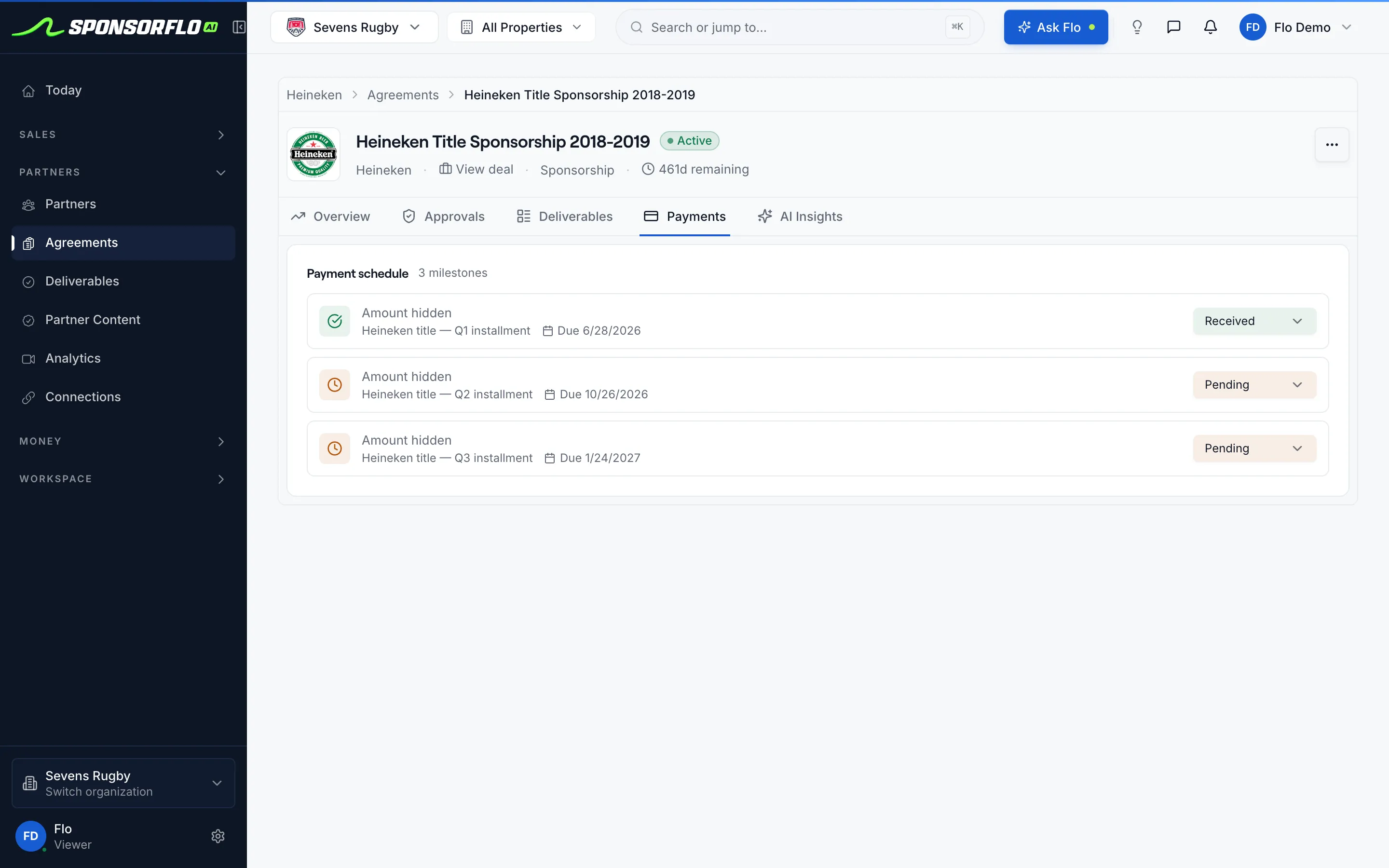
Sponsorship management software like SponsorFlo covers the full lifecycle. You build proposals in Deck Studio with sponsor logo mockups on your own photos, track deals through a pipeline with stage, value, and expected close date, upload contracts and let AI extract terms and deliverables, generate invoice drafts from signed agreements, collect payments through Stripe, and sync everything to QuickBooks Online. The budget numbers stay accurate because they pull from real deal and payment data rather than manual entry.
How do you present your sponsorship budget to a board or leadership team?
Lead with three numbers: your total revenue goal, your total committed or collected amount, and the variance between the two. Those three numbers answer the question every board member has — are we on track? — before you get into the details. Follow with a breakdown by tier or category so leadership can see where the revenue is concentrated and where the gaps are.
Include a status summary that shows how many sponsors are at each stage. For instance, if you have twelve Gold sponsors and eight are paid, two are invoiced, and two are still pending, that tells a different story than twelve sponsors all listed as secured. Export your tracker to CSV and use it as the basis for your report so the numbers match what you have been tracking all season.
- Sponsorship pricing guide — how to set the asking prices that feed into your budget